

Let customers design the shirt - and see it before it hits the press.
Stop burning your mornings on mock-ups. Printmio gives your apparel shop an AI Product Builder, a design studio with live 3D garment preview, per-side print areas, and full garment colours and sizes - so customers design their tee, hoodie or cap, approve the proof, and order while you run the press.
14-day free trial after approval · No credit card · $0 setup · We set it up with you

Sound familiar?
The proof goes back and forth - the press waits.
Decoration shops don’t lose to better printers. They lose to slow mock-ups, misread proofs, and size runs scattered across texts and spreadsheets.
Mock-ups eat your whole morning
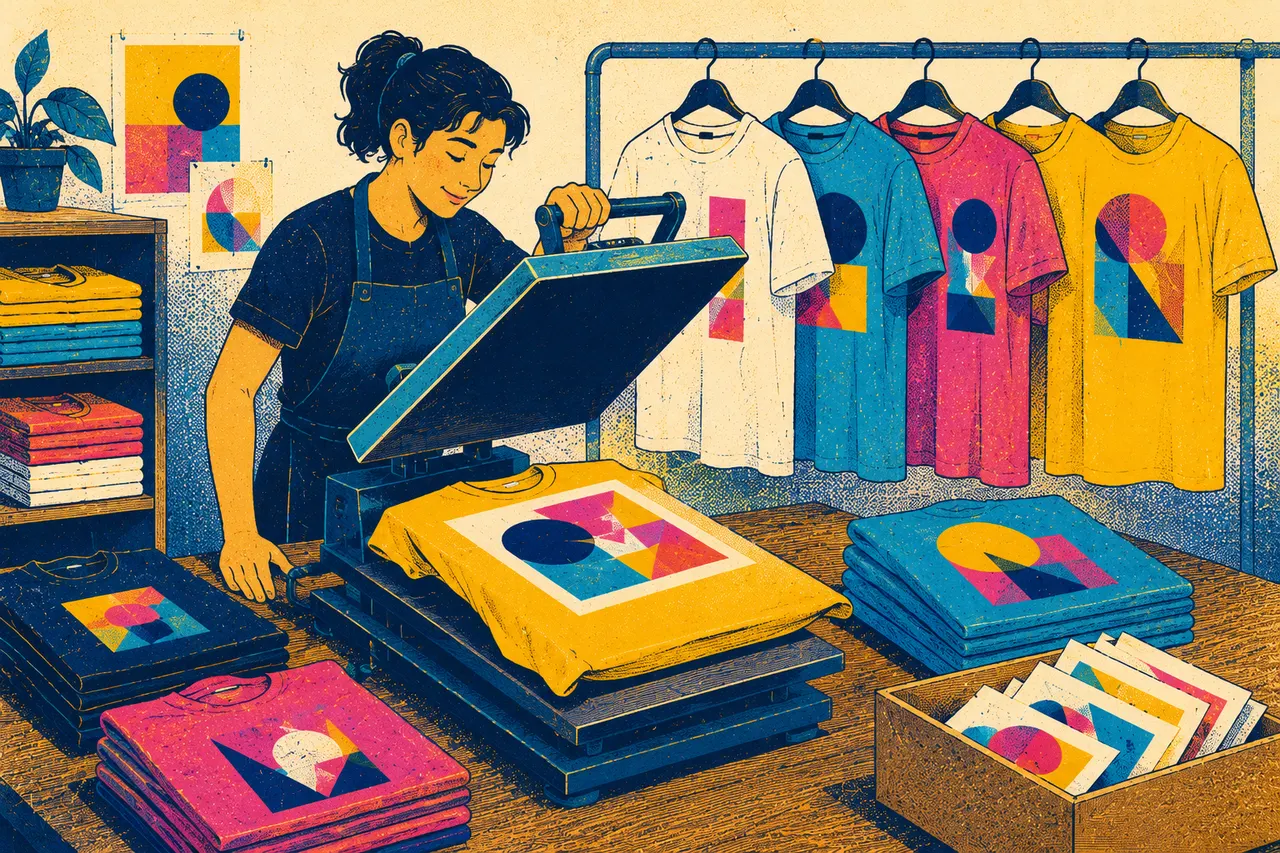
Every job starts with “can you send a mock-up?” You open the art program, drop the logo on a tee template, recolour it, export a PNG, email it, and wait. Then they want it on a hoodie too. And in navy. Half your day is gone before a single shirt is printed.
Wrong colour, wrong size, wrong placement
The customer pictured the print bigger. Or on the back. Or on a heather grey, not white. By the time it comes up in a phone call, the screens are burned. A misread proof on a 200-piece run doesn’t just cost ink - it costs the whole order.
Sizes and quantities all over the place
Orders arrive as a text: “12 S, 24 M, 18 L, and can we add 6 XL?” You retype it into a spreadsheet, total it by hand, quote it, then do it again when they change their mind. Nothing ties the size run, the garment colour, and the artwork together in one place.
Every misread proof is a reprint, a delay, or an hour of free artwork time - and on a 200-piece run, it’s the whole job’s margin. Let customers design and approve their own garment online, and that’s margin you stop giving away.
What actually fixes it
Built for how decoration shops sell, proof and produce.
Not a generic store bolted onto a tee template. One platform that handles garments, colours, sizes, print areas and sign-off the way your shop actually works.
AI Product Builder
Stand up a decorated product in minutes, not an afternoon
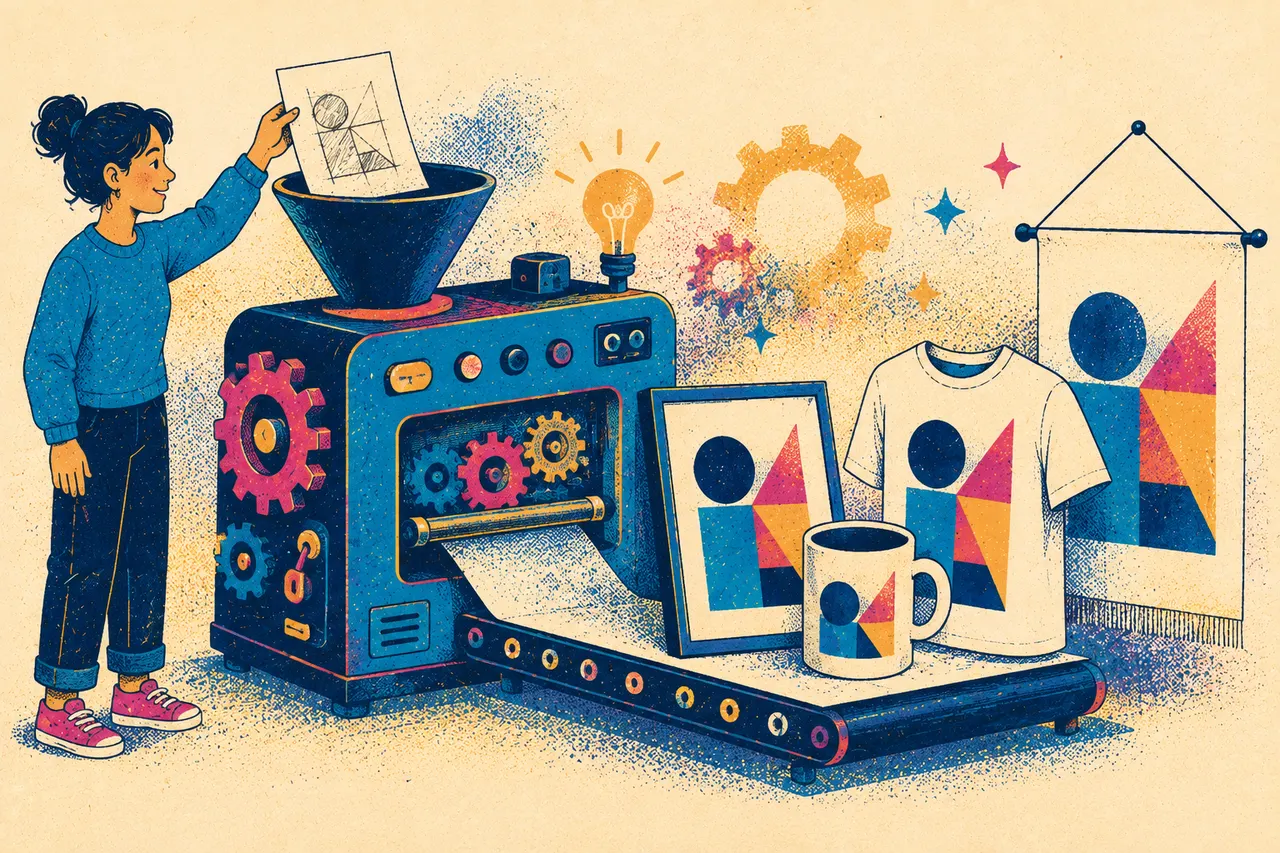
Describe the garment and the AI Product Builder helps you spin up a sellable product - pulling together the garment, its colours and sizes, and the print areas - so a new tee, hoodie or cap is ready to order far faster than building it by hand. You set up the catalogue once; customers configure the rest.
- Get a new decorated product live in minutes
- Garment colours and full size runs handled for you
- Build the catalogue once, sell it again and again
Design studio + live 3D garment preview
Let customers design the shirt - and see it on the garment
A built-in design studio lets customers add their logo or artwork, type their text, pick their fonts, and watch it land on a live 3D garment preview before they buy. They rotate it, switch the garment colour, and see the print exactly where it will sit - so what they approve is what comes off the press.
- Design in the browser - no art software to install
- Live 3D preview on the actual garment colour
- Print-ready artwork out the other end, not a low-res logo

Per-side print areas
Front, back, sleeve - every print location, priced and placed
Define the print areas that matter on each garment - left chest, full front, full back, sleeve - and customers place their artwork inside the area that decorates correctly. No more guessing whether the logo fits or sits where they meant. Each side is its own location, set up the way your shop actually prints.
- Set the print areas on every garment, your way
- Customers place artwork inside the printable zone
- Left chest, full front, back and sleeves - each handled separately
Garment colours & sizes
The full colour and size run, on one tidy order
Offer every garment colour you carry and let customers build their size run - 12 small, 24 medium, 18 large - in one place, with the design carried across the whole order. The garment colour, the sizes, and the approved artwork stay tied together, so what reaches your floor is unambiguous.
- Every garment colour you stock, on the storefront
- Customers enter the full size run in one go
- Colour, sizes and artwork tied to one clean order
- Quantity-break pricing built in - tiers like 24, 48 and 96 pieces price themselves
Garment colour picker and size-run quantities
Online proof approval
Sign-off that sticks - so the wrong version never runs
Before anything reaches the press, customers approve their proof online, and the system keeps a clear record of which version was signed off, by whom, and when. The approved artwork is what goes into production - so a stray revision never ends up on 200 shirts. Every action is logged for you to check.
- Customers approve the proof online before production
- Clear record of who approved what, and when
- The approved file is the one that runs - no surprises

On day one
Fewer mock-ups. Cleaner orders. No misprints.
The capabilities your decoration shop gets on day one - no consultants required.
live garment preview before they buy - front, back and sleeve
to stand up a new decorated product with the AI Product Builder
branded storefront that takes orders while the press runs
setup fee - and no per-order fees
Printmio is pre-launch, taking on its founding 100 shops now - these are the capabilities the platform ships with, not a customer guarantee.
See it live
See it working before you commit.
Walk a real store: design a tee, switch the garment colour, place a print on the sleeve, build the size run, and approve the proof. Then book a demo and we’ll set it up for your shop.
This is the real studio - open the live demo store and try it yourself.

Real screenshot - the size run priced live as they build it
Running apparel on InkSoft today?See how we compare, side by side →
Stop burning your mornings on mock-ups.
Let customers design their tee, hoodie or cap on a live 3D preview, pick the garment colour and size run, and approve the proof online - before it ever hits the press. Book a demo and see it set up for your shop.
14-day free trial after approval · No credit card · $0 setup · We set it up with you