

Sell signage online - with pricing that fits how you quote.
Stop building a custom quote for every banner. Printmio prices signage by area and dimension, builds bleed, trim and safe-area guides into the design studio, and hands you a print-ready 300 DPI CMYK PDF - so big-format jobs order themselves while you run the printer. No setup fee, no consultants.
14-day free trial after approval · No credit card · $0 setup · We set it up with you

Sound familiar?
Big format, big quotes, big rework.
Sign shops don’t lose work because their prints are worse. They lose it to slow quotes, dirty files, and a website that can’t put a price on a banner.
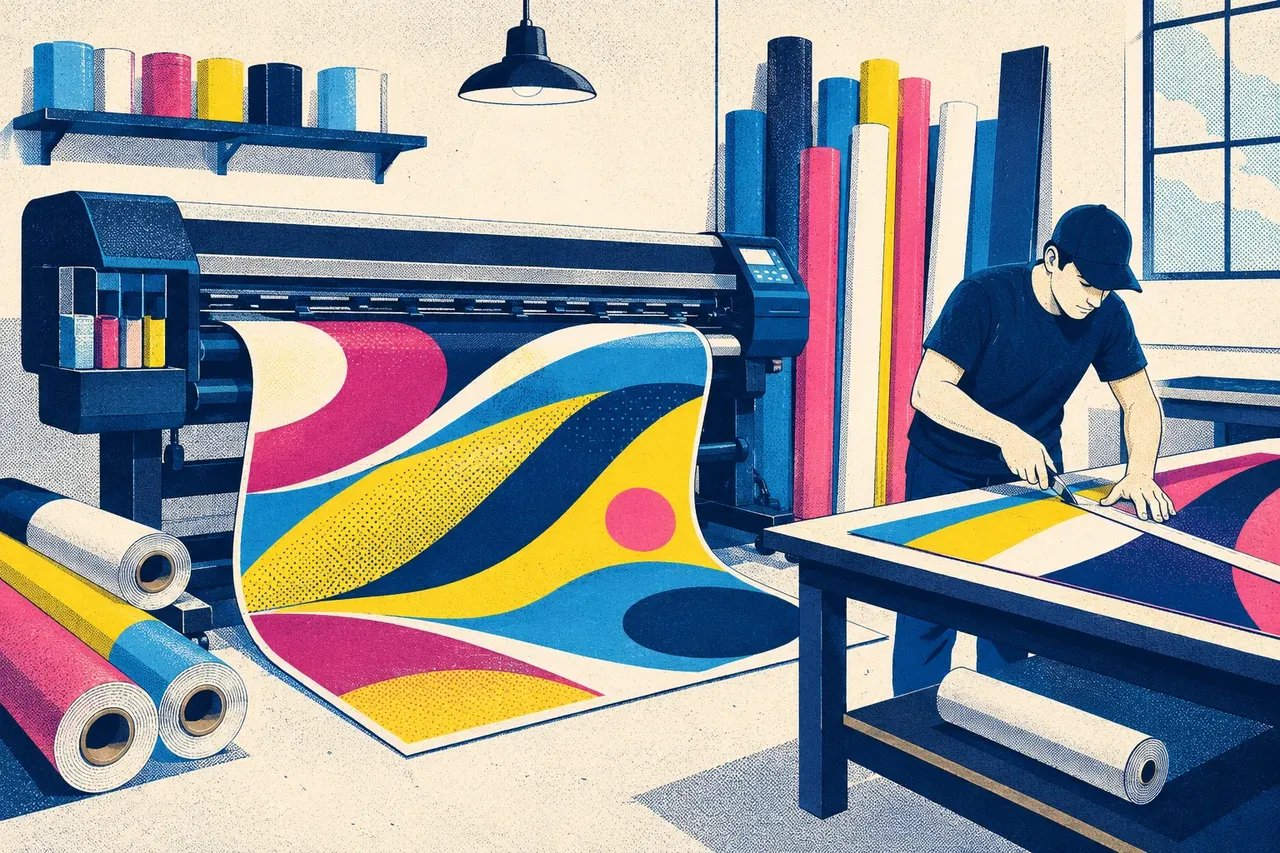
On wide format, there is no small mistake.
One bad file
is a reprint, a delay, or an hour of free prepress - on a big, pricey sheet of vinyl. Area pricing, on-canvas guides and clean output are how you stop giving it away.
Every banner is a custom quote
A customer wants a 4ft × 8ft banner. Then they want 3ft × 6ft. Then “what about hemmed with grommets?” You reach for the calculator, work out the square footage, add the finishing, and email it back an hour later - by which time they’ve called the shop down the road.
Artwork that won’t print clean
The file lands at 72 DPI in RGB, with the logo jammed right against the edge and no bleed. You either reprint at your cost or spend prepress time fixing it by hand. On wide format, a small mistake is a big, expensive sheet of vinyl.
No price on the website
Your storefront says “call for a quote,” so half your visitors never call. The ones who do want an answer now, not tomorrow. Meanwhile the easy, repeatable jobs - yard signs, posters, decals - should price themselves without you touching them.
What actually fixes it
Five things built for the way sign shops sell.
Not a generic page builder bolted onto a CRM. One platform that prices by size, keeps files clean, and tracks every job from order to ready.
Area & dimension pricing
Price by the square foot - the way you already quote
Banners, posters, decals, window graphics and floor signs price by size, not by guesswork. The customer types in width and height, picks a material and finishing, and the price updates on the spot. Set your rate per square foot once and every size sells itself - no calculator, no callback, no hour-long quote.
- Per-area and per-dimension pricing built in
- Width × height drives the price automatically
- Add material, finishing and quantity options

Bleed, trim & safe-area guides
Guides built into the design, so files come in clean
The design studio shows bleed, trim and safe-area lines right on the canvas as the customer works. Their text stays inside the safe area; their background runs to the bleed. They see the finished sign before they buy, and you stop chasing files that crop wrong or print with a white edge.
- Bleed, trim and safe-area shown live on the canvas
- Customers see the finished size before checkout
- Far fewer “the artwork’s too close to the edge” fixes

Press-ready output
A print-ready 300 DPI CMYK PDF, every time
However the customer designs it - uploaded file or built in the studio - you get a single print-ready PDF at 300 DPI in CMYK, with the bleed and trim already set. No re-saving, no colour-mode surprises, no downsampled logos. The file that lands is the file you send to the printer.
- 300 DPI CMYK PDF, every job
- Bleed and trim baked into the output
- Less prepress rework, fewer costly reprints

Gang-run imposition
Gang yard signs and decals onto one sheet - see the waste before you print
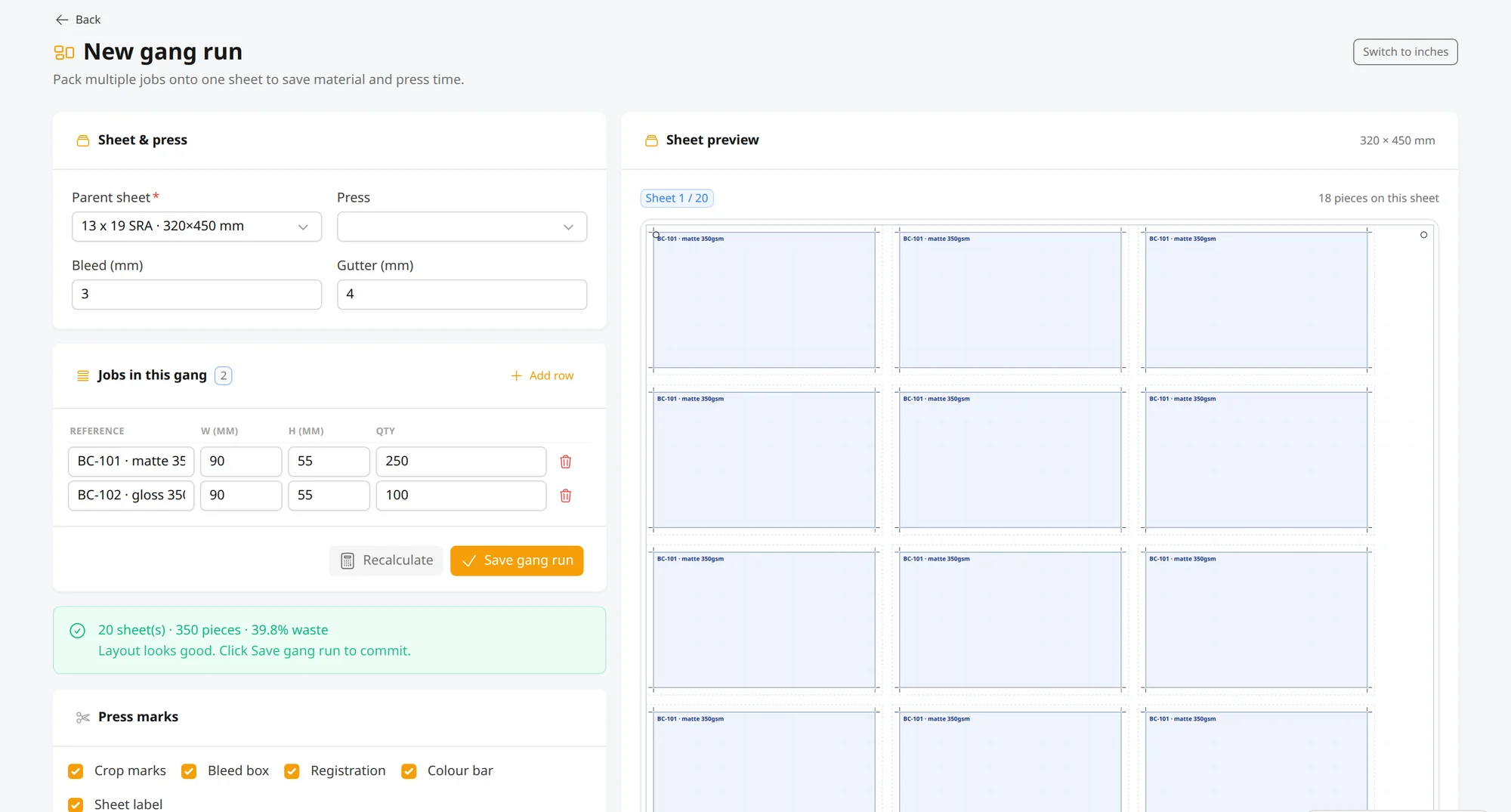
Imposition ships in the platform: lay jobs up n-up, as a booklet, or gang several jobs onto one sheet. The planner optimises orientation, computes the waste percentage live before anything prints, and splits the sheet cost across the jobs riding on it - so a run of yard signs or decals goes on the sheet as one planned job, not guesswork.
- N-up, booklet and gang-run planning
- Waste percentage computed live, before you print
- Sheet cost split across the jobs on it
Storefront, orders & proofs
Your store, your domain, every job on one board
Customers order signage 24/7 from a store on your own domain. Orders land on a job board your team moves from new, to in production, to ready - so anyone can answer “where’s my banner?” at a glance. Proofs are approved online with a clear record of who signed off and when, so the wrong version never hits the roll.
- Branded store on your own domain, open 24/7
- One job board the whole shop can see
- Online proof sign-off with a clear audit trail

Day one
Fewer quotes by hand. Fewer reprints. More orders.
The capabilities your sign shop gets on day one - no consultants required.
area pricing - banners and posters quote themselves
press-ready CMYK PDFs with bleed and trim set
storefront taking signage orders while you print
setup fee - and no per-order fees
Printmio is pre-launch, taking on its founding 100 shops now - these are the capabilities the platform ships with, not a customer guarantee.
See it live
See it working before you commit.
Walk a real, fully-loaded store: size a banner and watch the price update, lay out a sign with the bleed and trim guides on screen, and move a job across the board. Then book a demo and we’ll set it up for your shop.

Looking at OnPrintShop for wide-format?See how we compare, side by side →
Put a price on every banner - online.
Sell signage with area and dimension pricing, on-canvas bleed and trim guides, and a print-ready 300 DPI CMYK PDF every time. Book a demo and see it set up for your shop.
14-day free trial after approval · No credit card · $0 setup · We set it up with you